
Loading the Sunshine Coast map...
Get WildWatch
Add it to your home screen — free, no app store, no account.
Not in the Apple App Store or Google Play — it's a web app.
New here? Start with the 25-second tour
Checking your area, reporting what you saw, turning on alerts and finding the right safety advice.
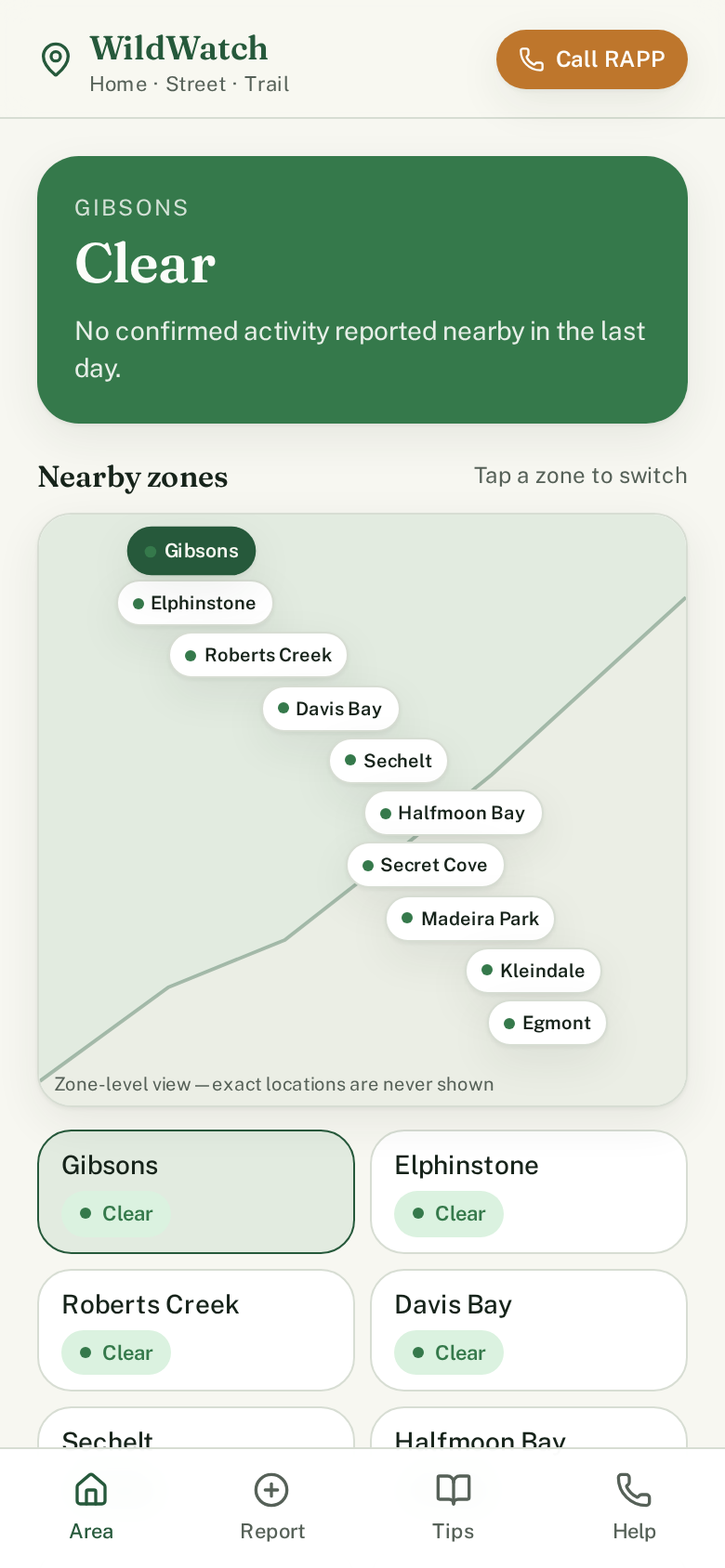
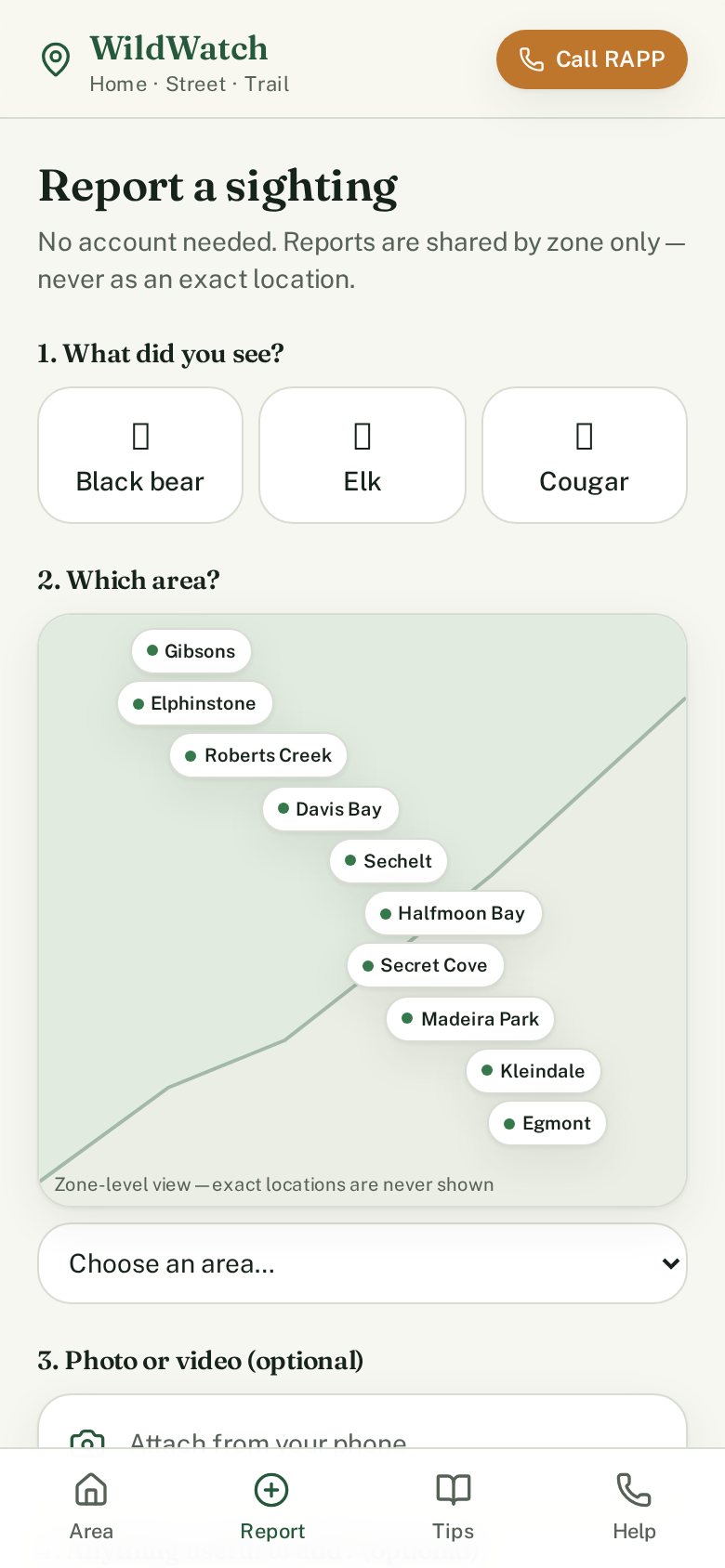
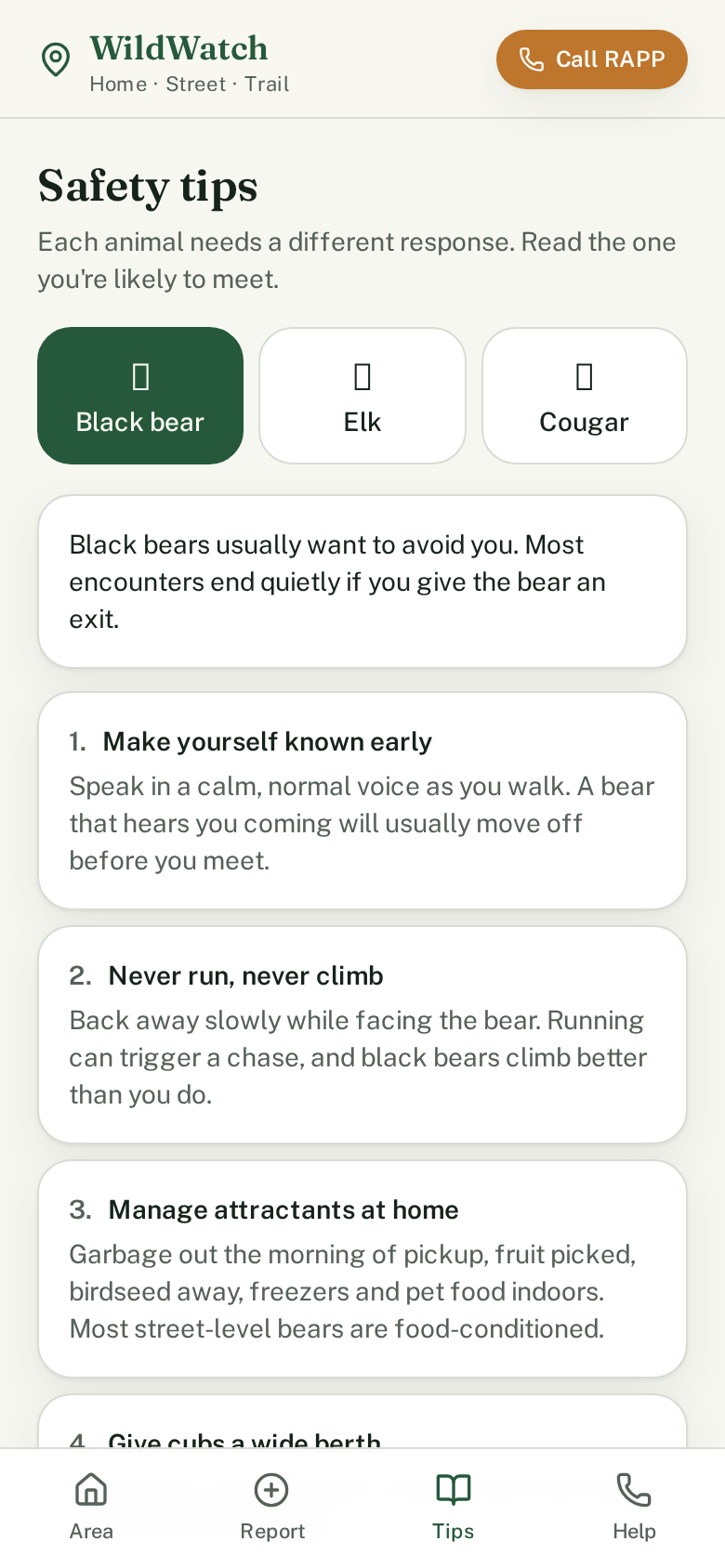
Know what's moving in your area
Green, amber or red — see your neighbourhood's status at a glance, updated by people nearby.
Add WildWatch to your phone or computer
- iPhone: tap Share in Safari, then "Add to Home Screen".
- Android: tap the ⋮ menu in Chrome, then "Add to Home screen" or "Install app".
- Computer (Chrome or Edge): click the install icon at the right end of the address bar, or open the ⋮ menu and choose "Install WildWatch…". It then opens from your desktop or taskbar like any app.